
New in Decklab AI: Playtest Links, Feedback, a Playtest Log and Cloud History
Playtest links anyone can open, feedback on each card, a playtest log, cloud history, hosted Tabletop Simulator decks, a virtual tabletop pack and a free tool.
· 4 min read
In this post
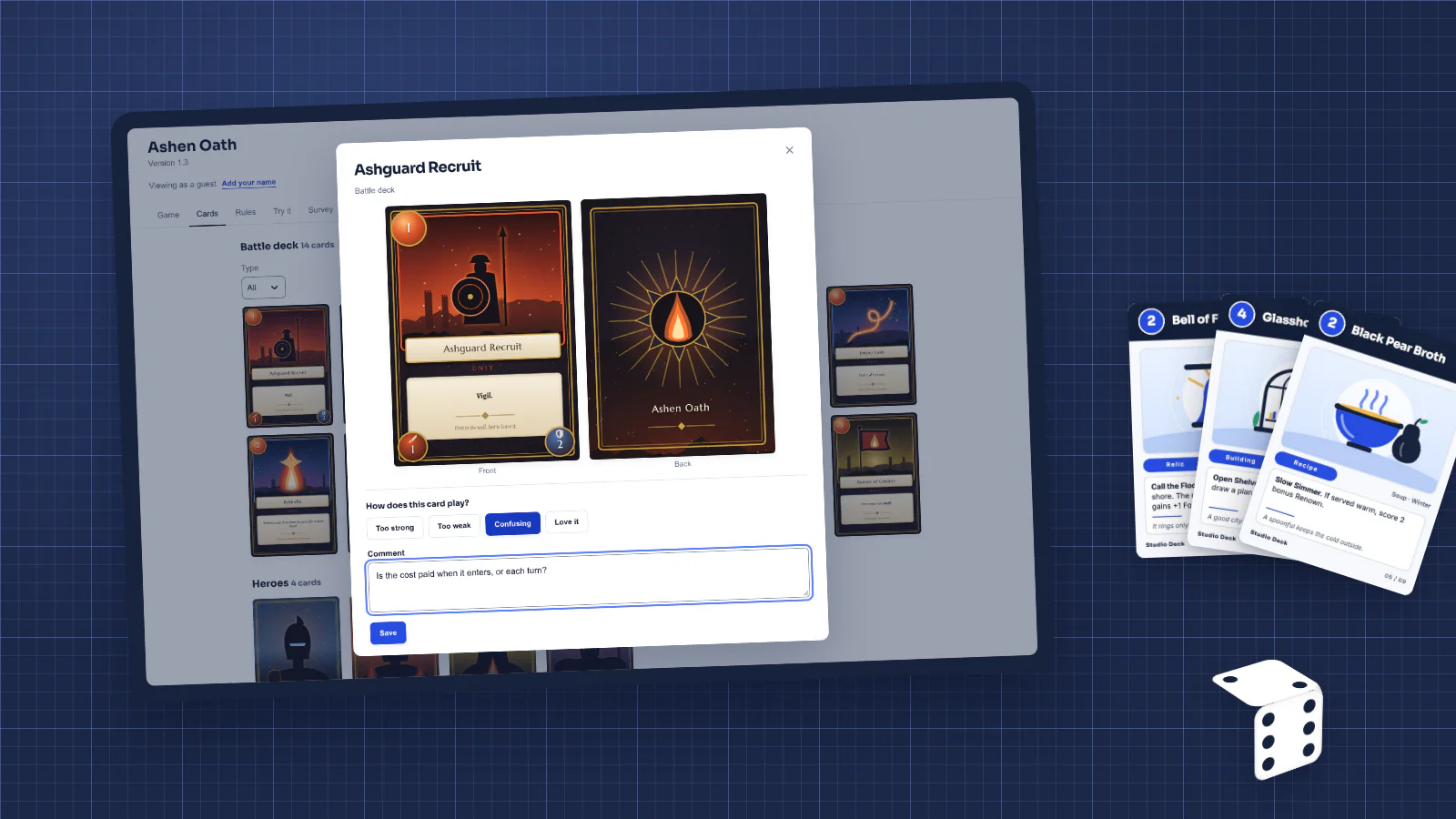
The first version of your game is never the last, and the versions in between are made by other people playing it. Decklab AI now helps you put your game in front of them and learn from what they say: playtest links, feedback against each card, a playtest log, a year of cloud history on Pro, hosted Tabletop Simulator decks, a pack for other virtual tabletops, and a new free tool.
Every feature has a free version except hosted Tabletop Simulator decks. Playtesters never need an account.
Playtest links
Publish a link to a copy of your game from Share, and send it to anyone. They open it in a browser with no account: your game's overview, its cards, its rules, a solo table to deal a hand, and your print-and-play PDF if you attach one. Turn tabs off for a blind test of the rules. Update the link when you want them to see your changes.
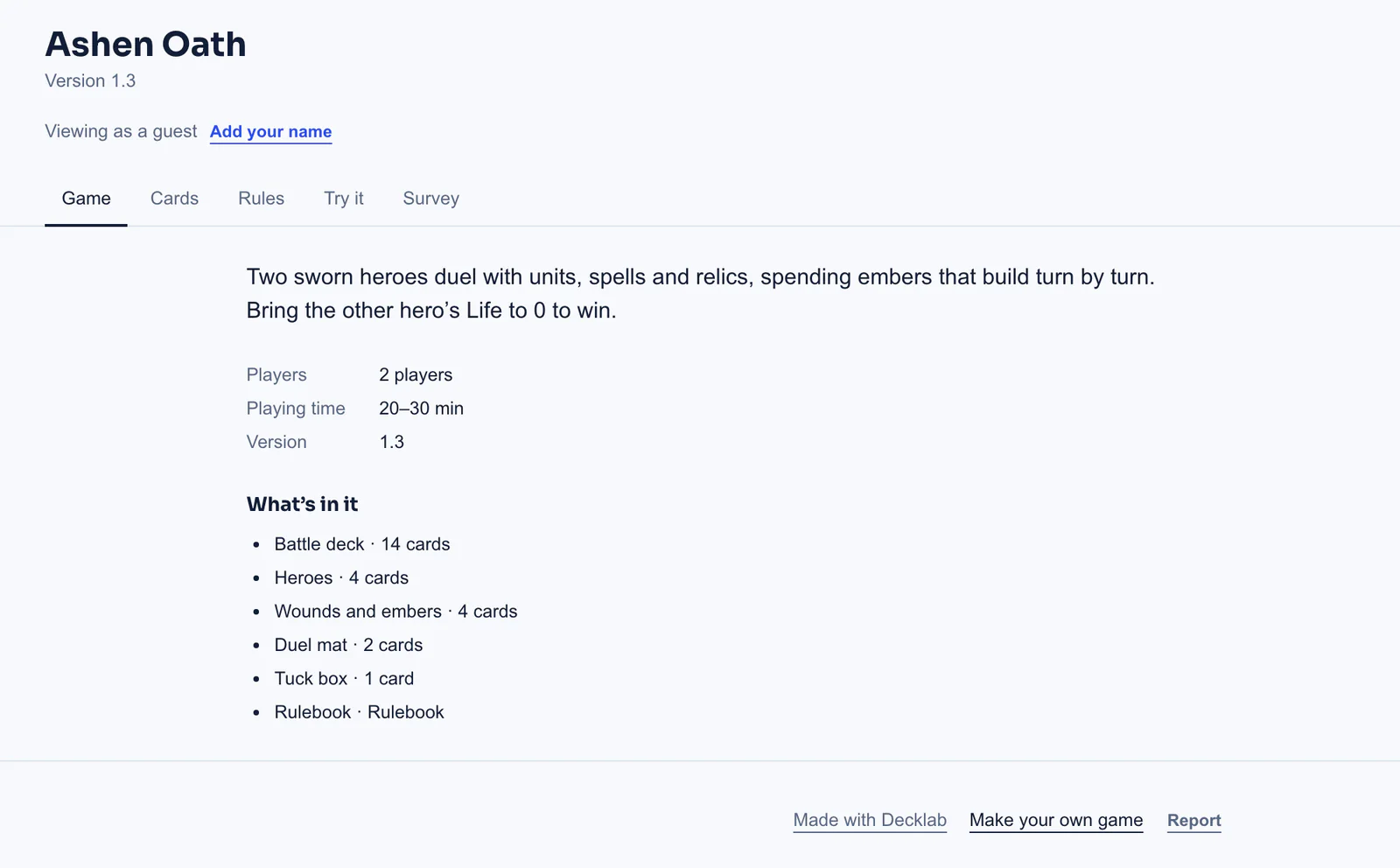
Free accounts get one live link; Pro gets as many as you like. Read How to Share Your Game.
Feedback, where it belongs
Playtesters react to each card (Too strong, Too weak, Confusing, Love it), comment on any paragraph of your rules, and answer a short survey. It all comes to your project's Playtest feedback page, grouped by card, part of the rules and question, filtered by link and version, with Resolve, private notes and Compare with now. Cards with open feedback get a badge, and a daily email can tell you when there's something new.
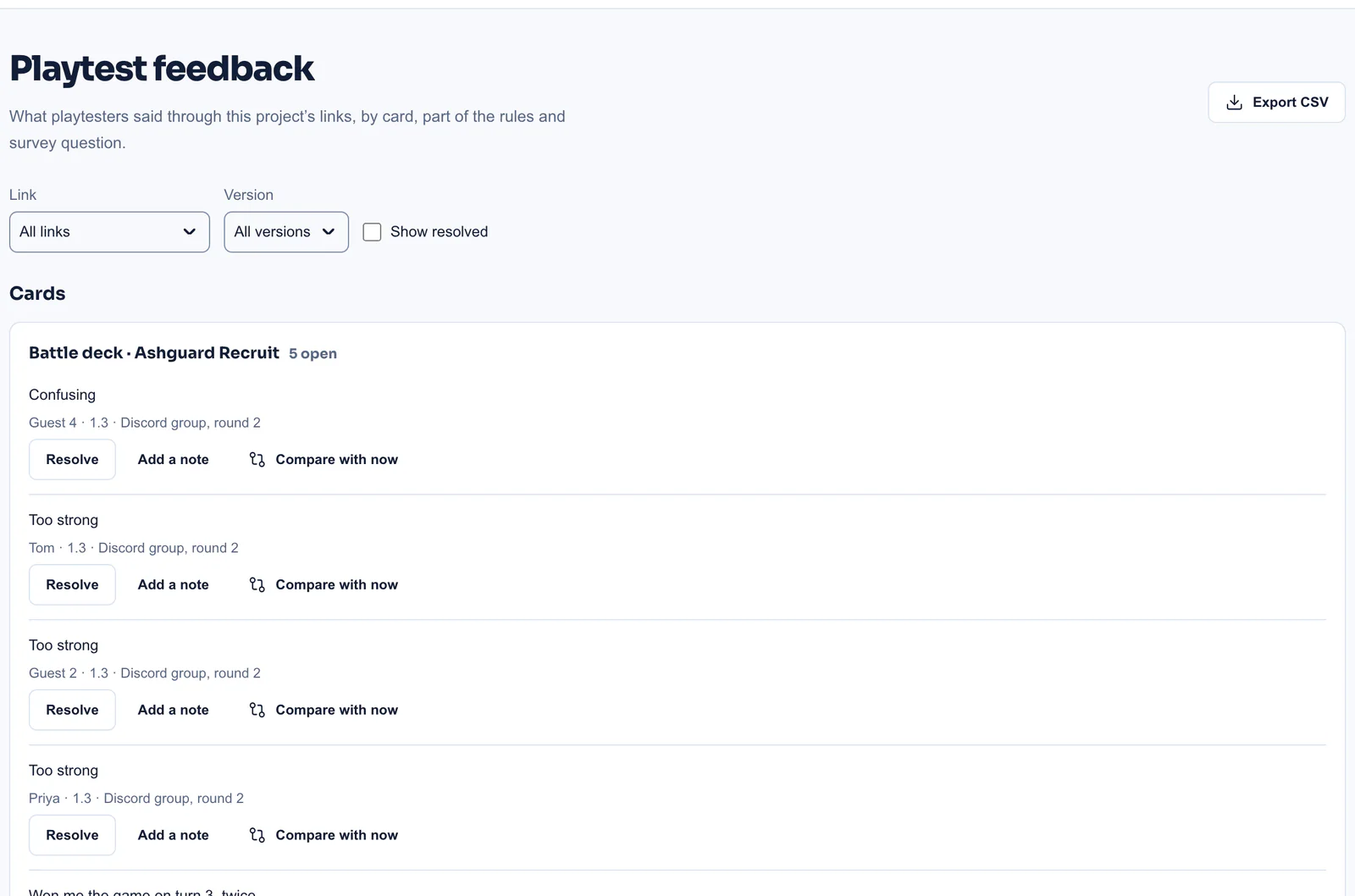
On Pro, write your own survey questions and export the feedback as CSV. Read How to Run a Remote Playtest, and Playtest Feedback Questions That Actually Help.
A playtest log
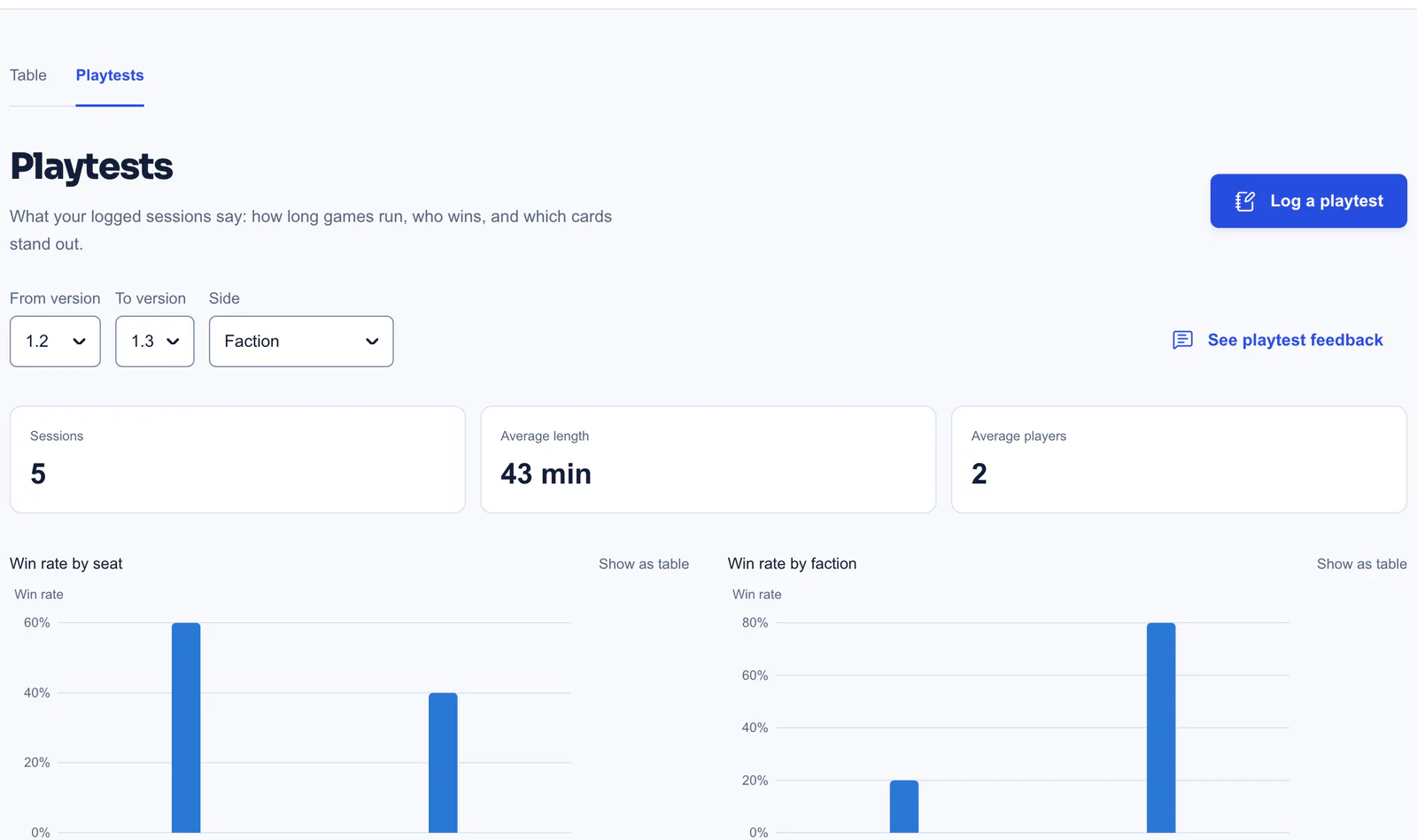
The Playtest page has a new Playtests tab. Log each session's date, length, version, players, winner and notes, with notes on cards, or choose End and log at the solo table. The summary shows average length, win rates by seat and side, the most and least played cards, and how it all changes across versions. Free for everyone. Read How to Keep a Playtest Log and What to Write Down After Every Playtest.
Cloud history
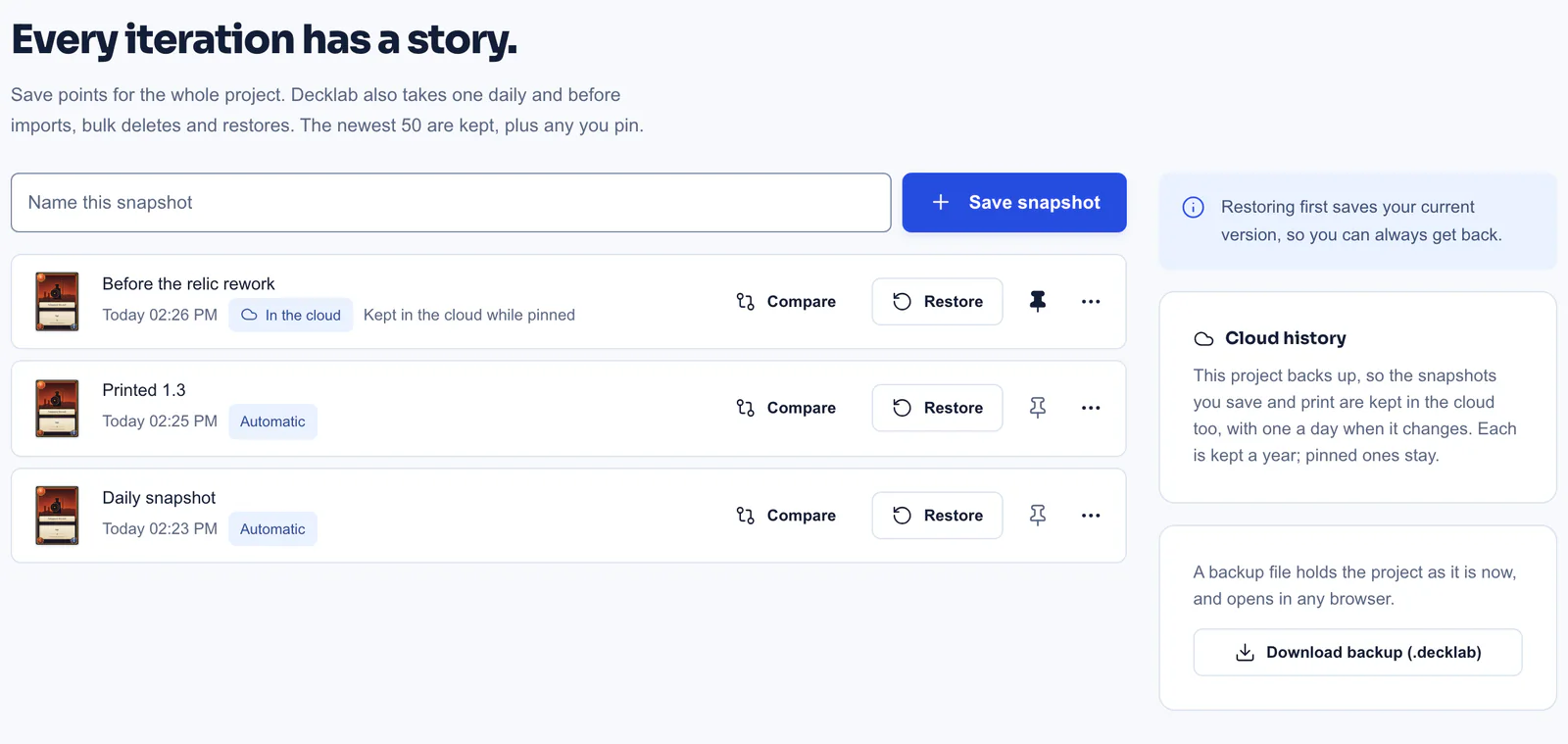
Projects that back up to the cloud now keep their snapshots there too: the ones you save, the ones each print makes, and one a day when the project changes. Restore one on any device you sign in on. Free accounts keep 7 days, Pro a year, and pinned snapshots stay. Read How to Keep Your Work Safe With Snapshots and Backups.
Tabletop Simulator, for everyone at the table
With Pro, turn on Host the images in Export › Tabletop Simulator, and the saved object links your cards on the web: every player sees them, on any computer. Read How to Share Your Tabletop Simulator Deck With Friends.
Tabletopia, Screentop.gg and PlayingCards.io
Export's new Virtual tabletop output makes one zip with your cards laid out for all three, and a README with the clicks. Free, like every export. Read How to Use Your Cards in Tabletopia, Screentop.gg and PlayingCards.io.
A new free tool
No account needed. The playtest feedback and log sheets tool prints a feedback form with your questions and a log sheet for each session: Free Playtest Feedback Form and Log (Printable).
Playtest feedback and log sheets
Print a playtest feedback form for your testers and a log sheet for each session: edit the questions and fields, add your game’s name and version, and download a PDF on Letter or A4, one or two to a page. Free, in your browser, with no sign-up.
Questions or ideas? Tell us on the Discord, linked at the foot of every page.