
Free Playtest Feedback Form and Log (Printable)
Print a feedback form with your own questions and a log sheet for each session, with your game's name and version, on Letter or A4, free in your browser.
· 3 min read
In this post
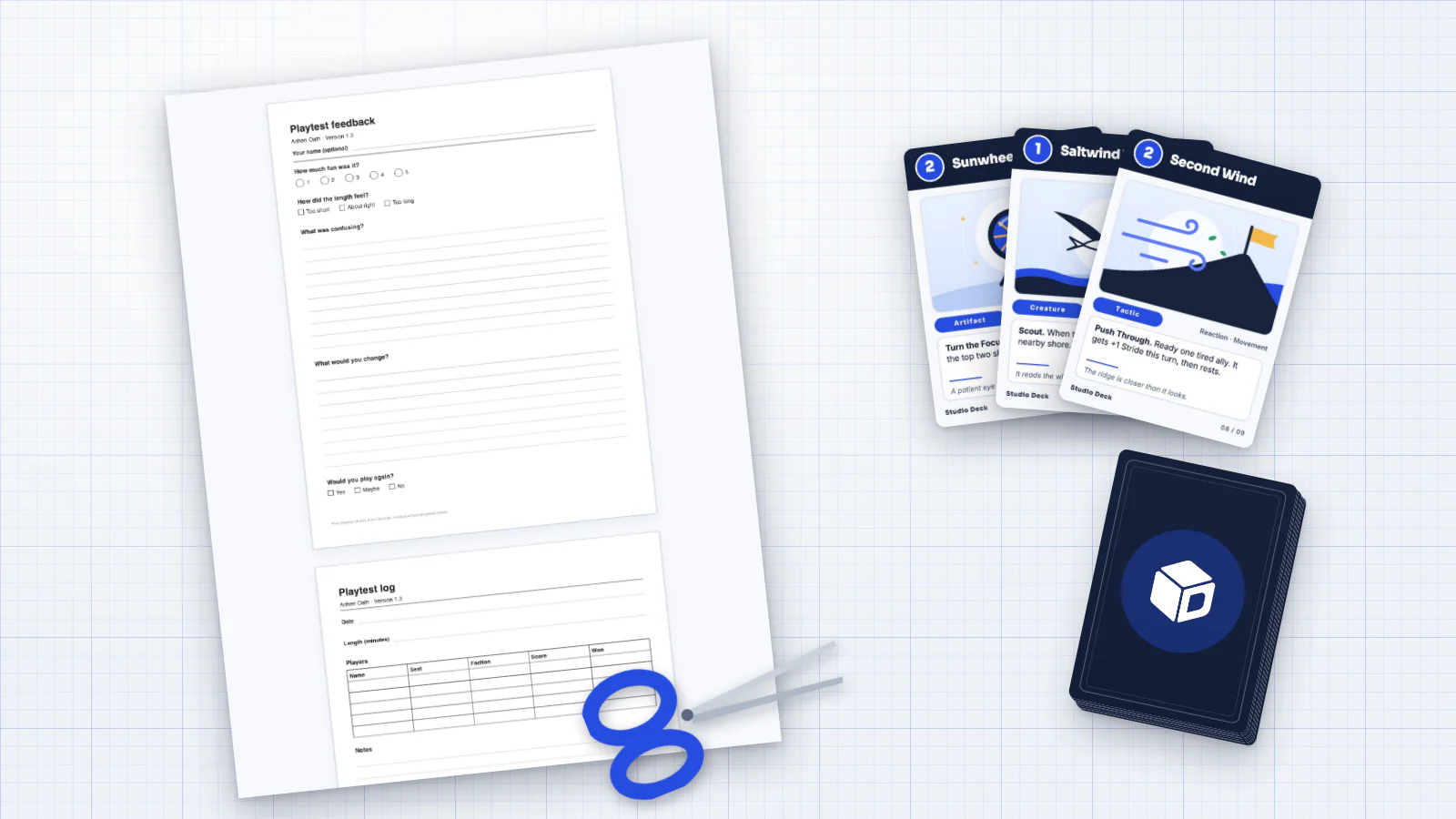
Playtesters forget what they thought within minutes of the game ending, and designers forget what happened within a week. A printed form and a log sheet fix both. The free playtest feedback and log sheets tool makes them, with your questions and your game's name, ready to print on Letter or A4. It runs in your browser, and nothing you type is sent anywhere.
Pick your sheets
Under Sheets, choose Feedback form and log, Feedback form or Session log. Choose your Paper, and Per page: One, or Two, to cut in half, which puts two copies side by side on a landscape page to halve the paper for a big group.
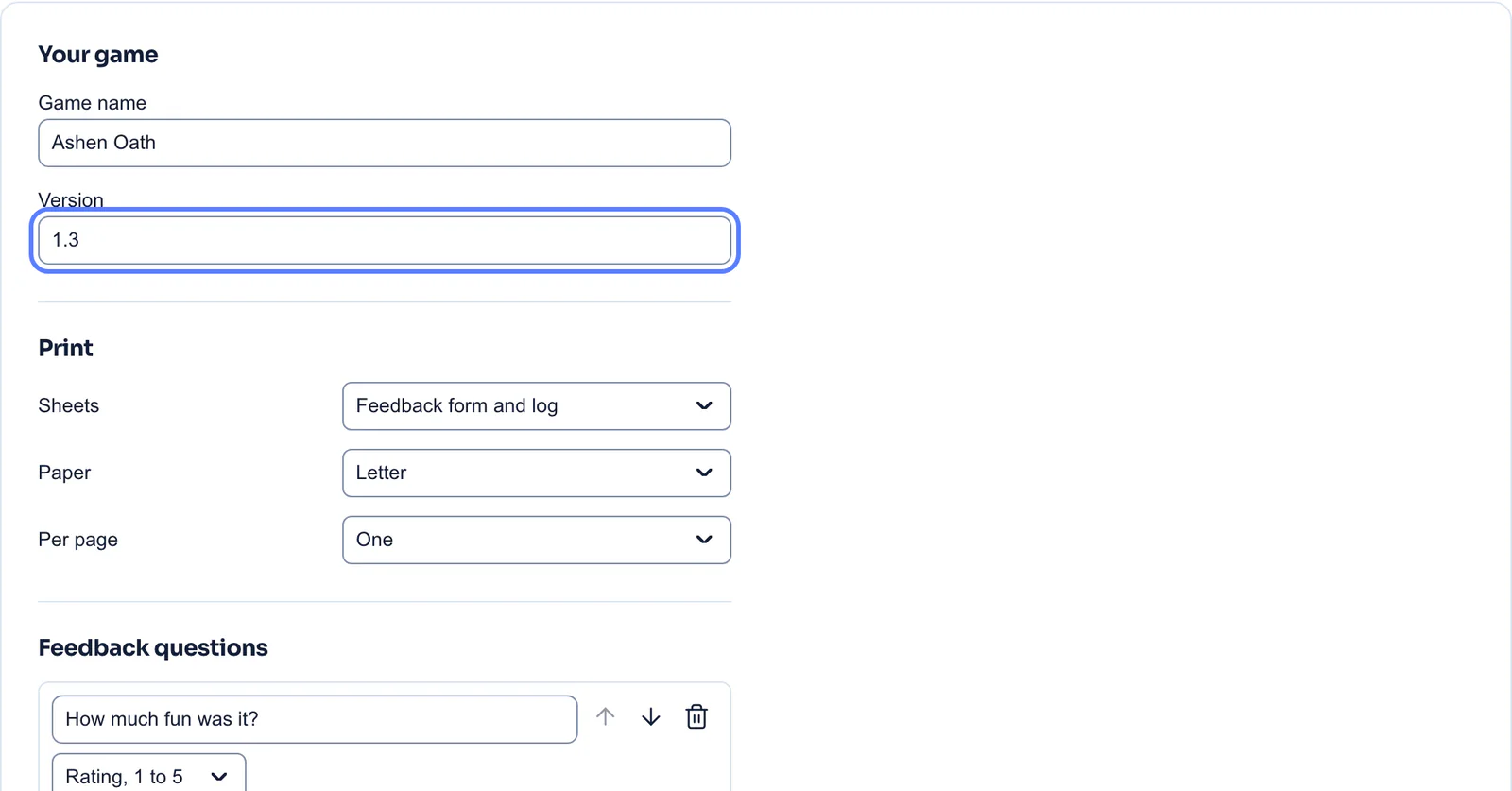
Under Your game, type the Game name and Version. Both print at the top of every sheet, so answers never get mixed up between versions.
Playtest feedback and log sheets
Print a playtest feedback form for your testers and a log sheet for each session: edit the questions and fields, add your game’s name and version, and download a PDF on Letter or A4, one or two to a page. Free, in your browser, with no sign-up.
Edit the questions
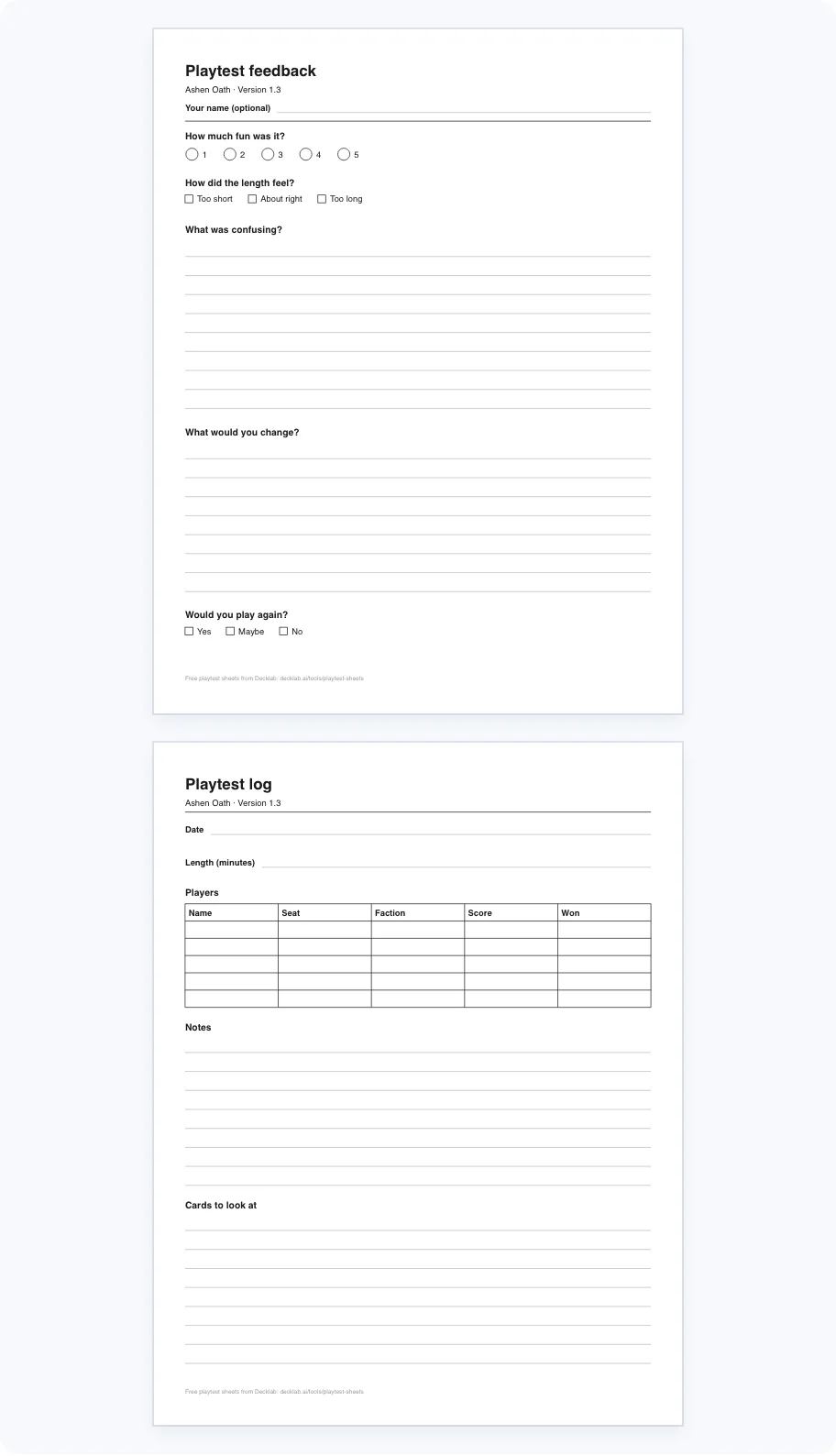
The form starts with five questions that work for almost any game:
- How much fun was it? (a rating, 1 to 5)
- How did the length feel? (Too short, About right, Too long)
- What was confusing?
- What would you change?
- Would you play again? (Yes, Maybe, No)
Change any question's words, or its kind: Rating, 1 to 5, Choice, Short answer or Longer answer. Add a question (up to 20), move or remove any, or go back with Default questions. Playtest Feedback Questions That Actually Help has ideas.
Edit the log
The session log has the date, the length, a table of players (name, seat, faction, score and who won), notes and the cards to look at again. Rename the players' columns, set how many Rows for players, and Add a field for anything your game needs, such as rules questions. Each field is One line, Lines to write on or a Players table.
Download and print
Choose Download PDF, and print at 100%. The preview shows each page as it will print. On a one-page form, any spare room goes to the writing lines.
From paper to a playtest link
Paper is perfect at a table. For playtesters elsewhere, Decklab AI's playtest links ask the same questions online, and players can react to each card as they look through your deck. Everything comes back grouped on one page. See How to Run a Remote Playtest.
The log sheet's fields match Decklab AI's playtest log, so a session written on paper types straight in: How to Keep a Playtest Log.