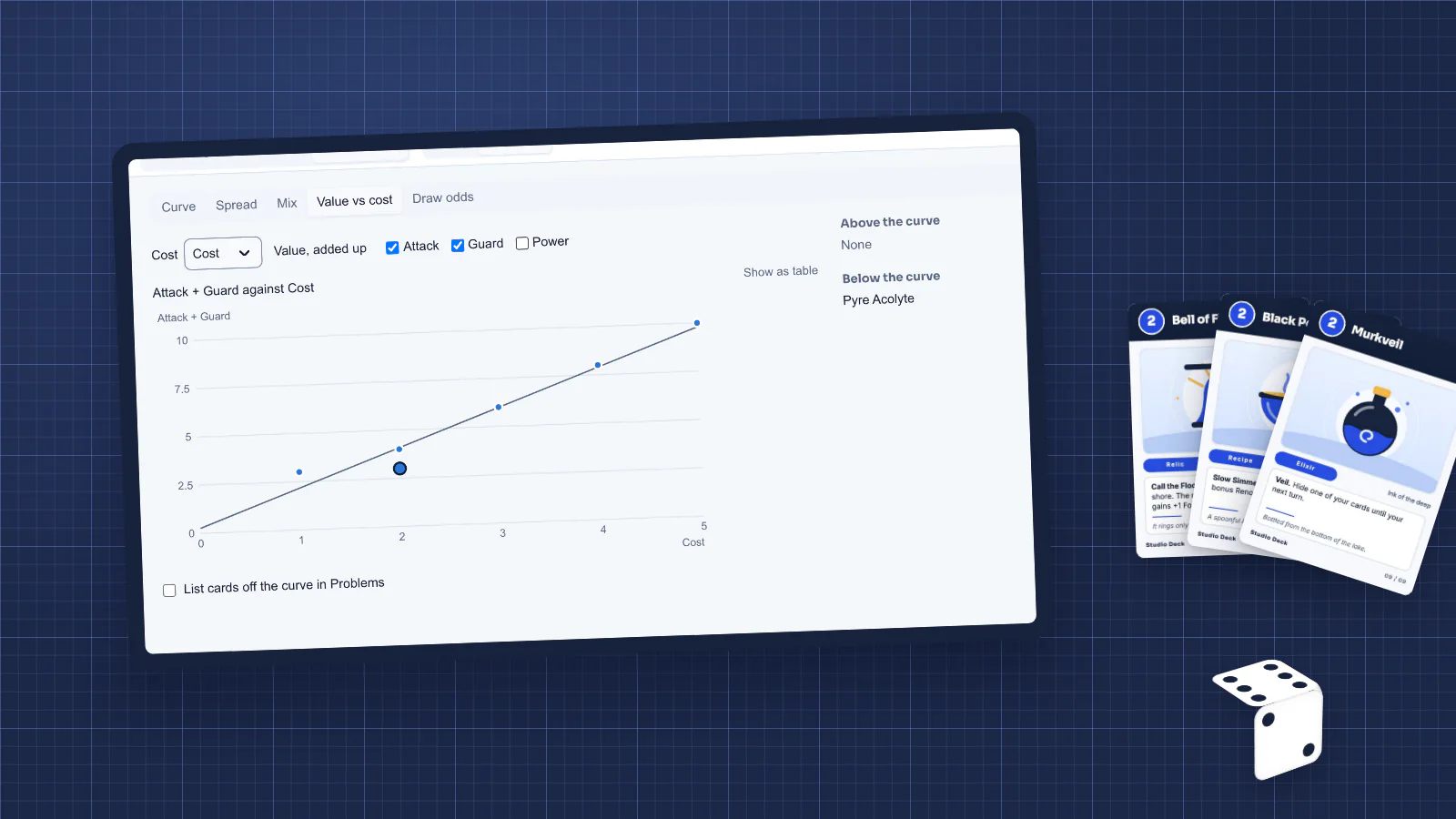
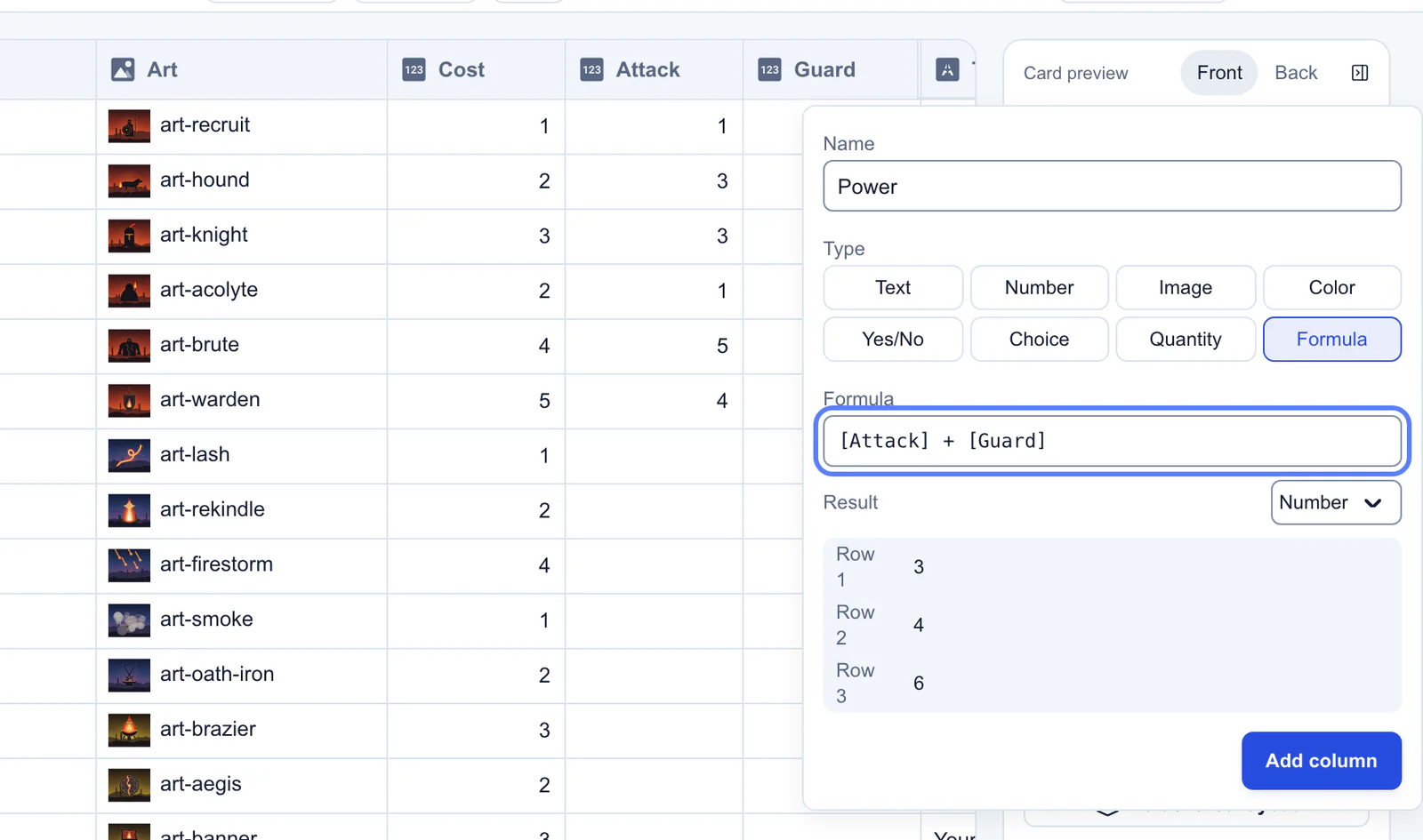
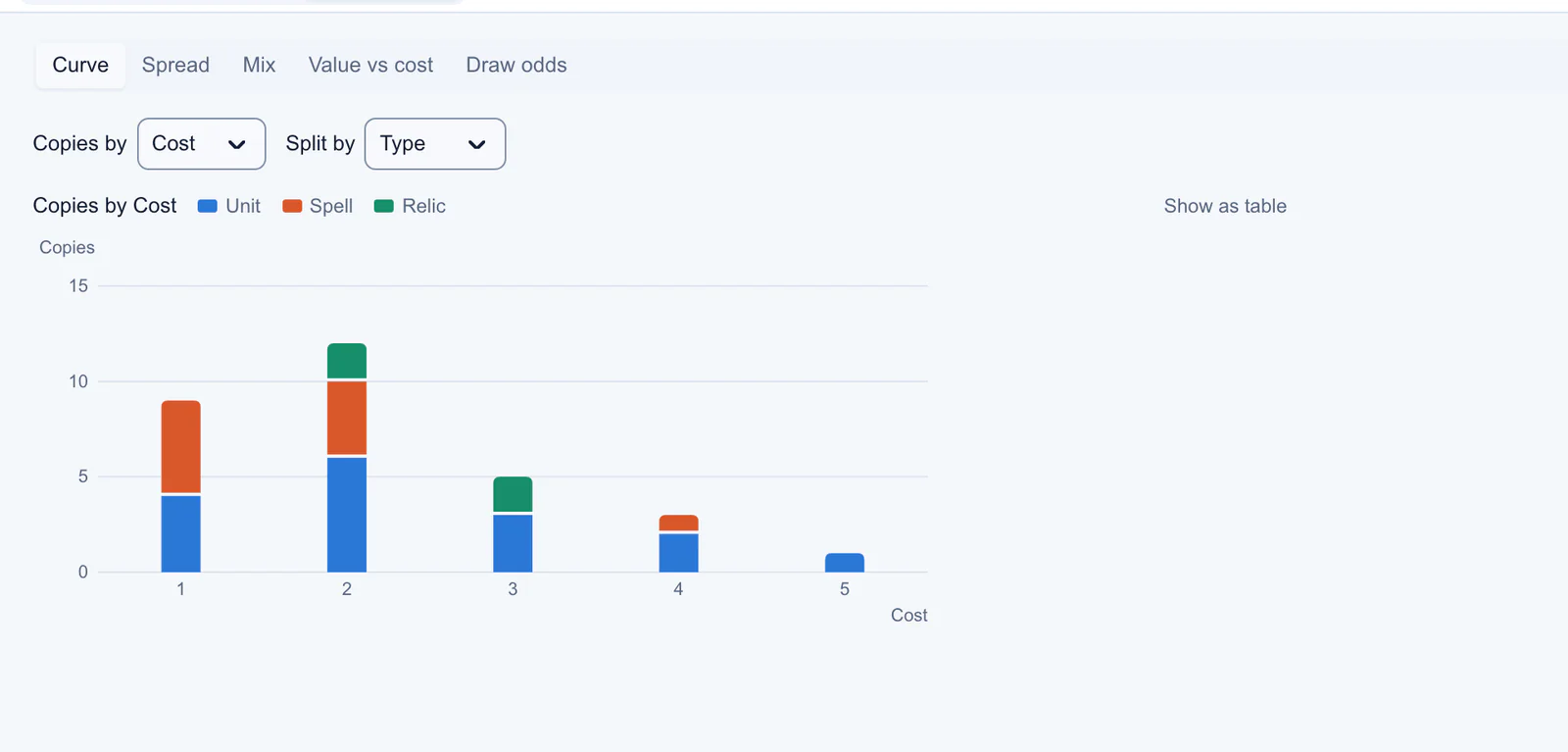
- New
- Improved
Playtest links, feedback, a playtest log and cloud history
Send your game to playtesters with a link (they don’t need an account), collect their feedback in one place, log every session, and get daily cloud snapshots.
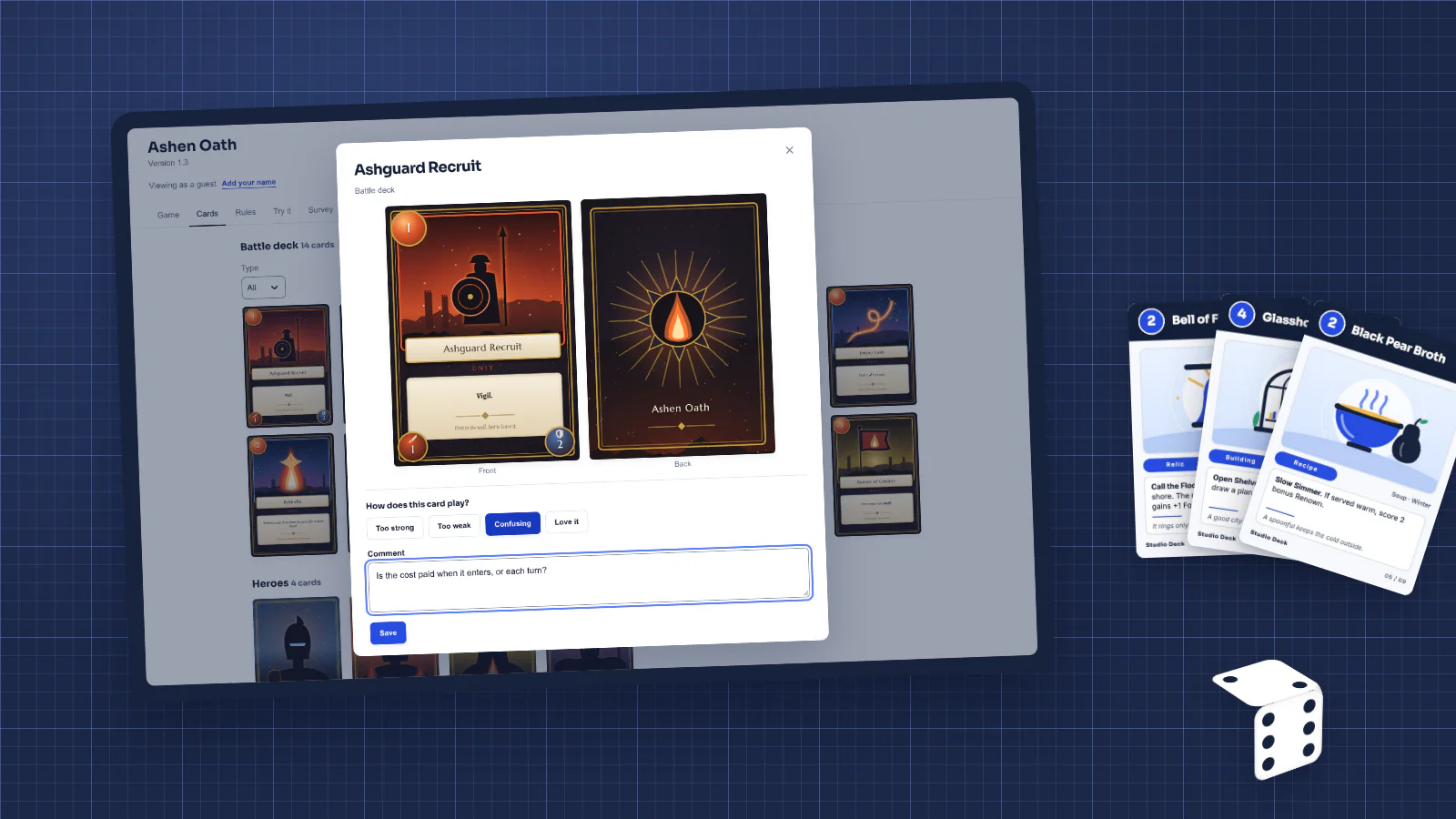
New
- Share your game. Publish a link from Share. Playtesters open it without an account.
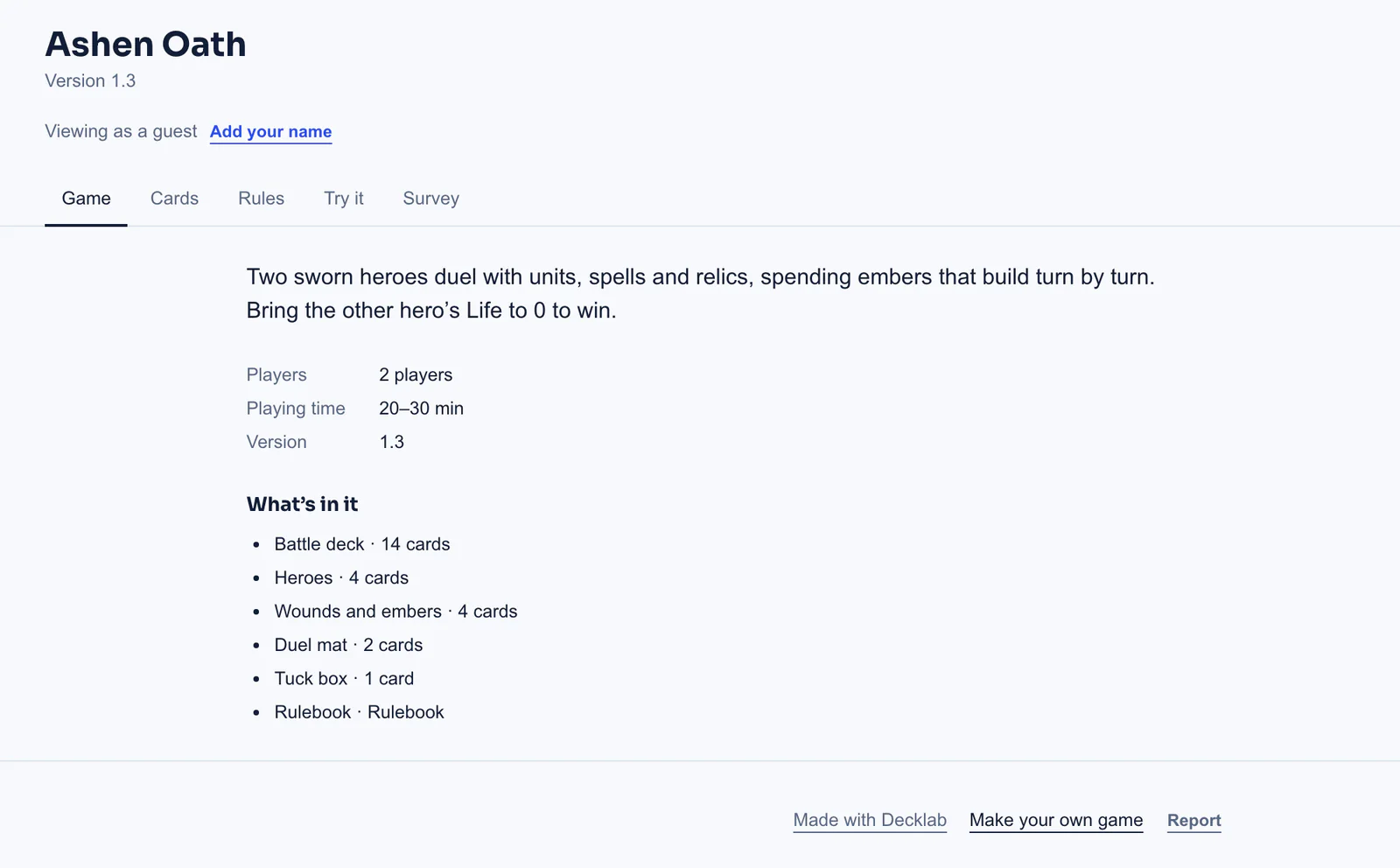
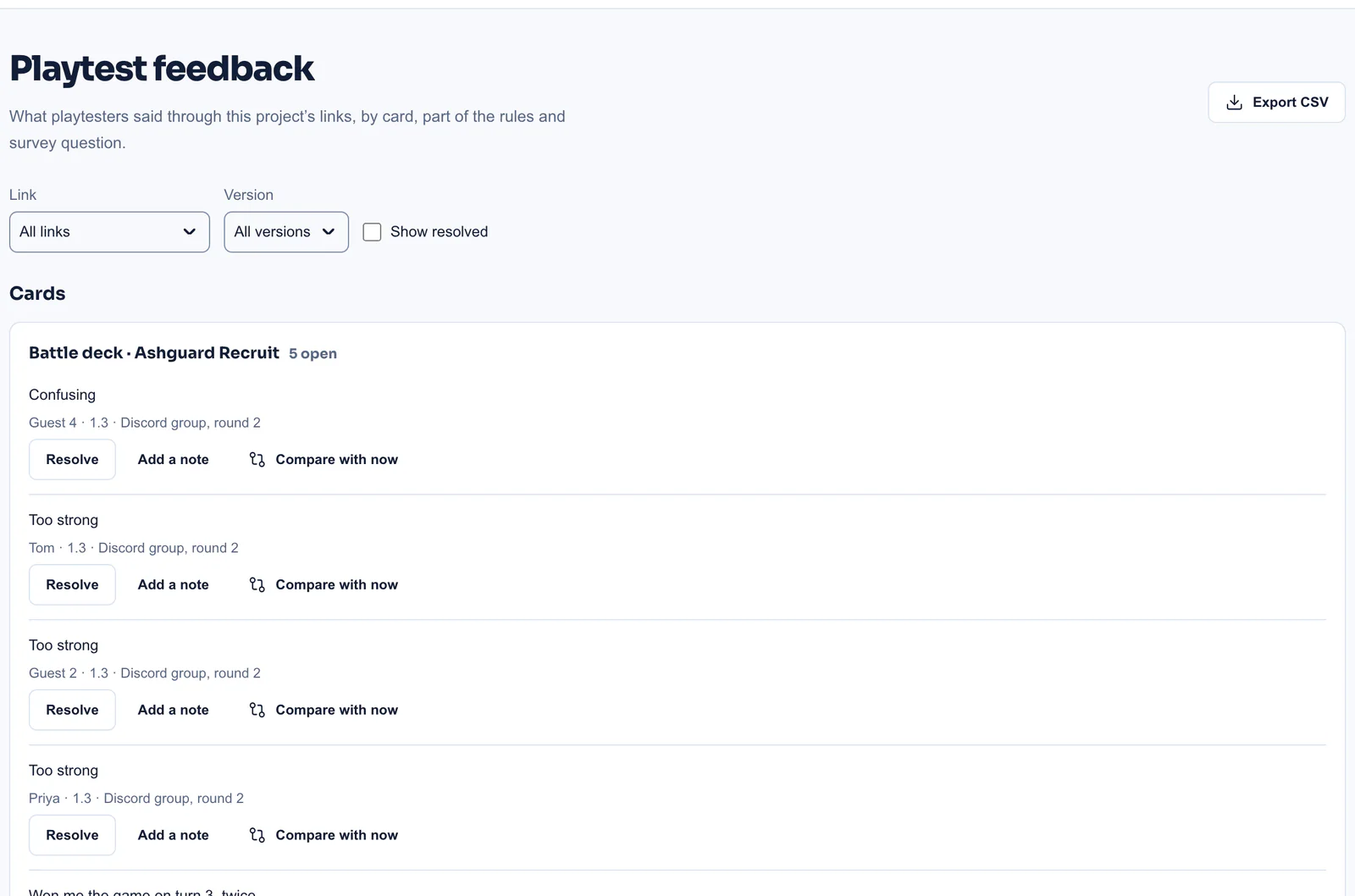
- Playtest feedback. Playtesters answer a short survey on the game and on each card. Feedback collects it, with badges for what’s new, and an optional daily email.
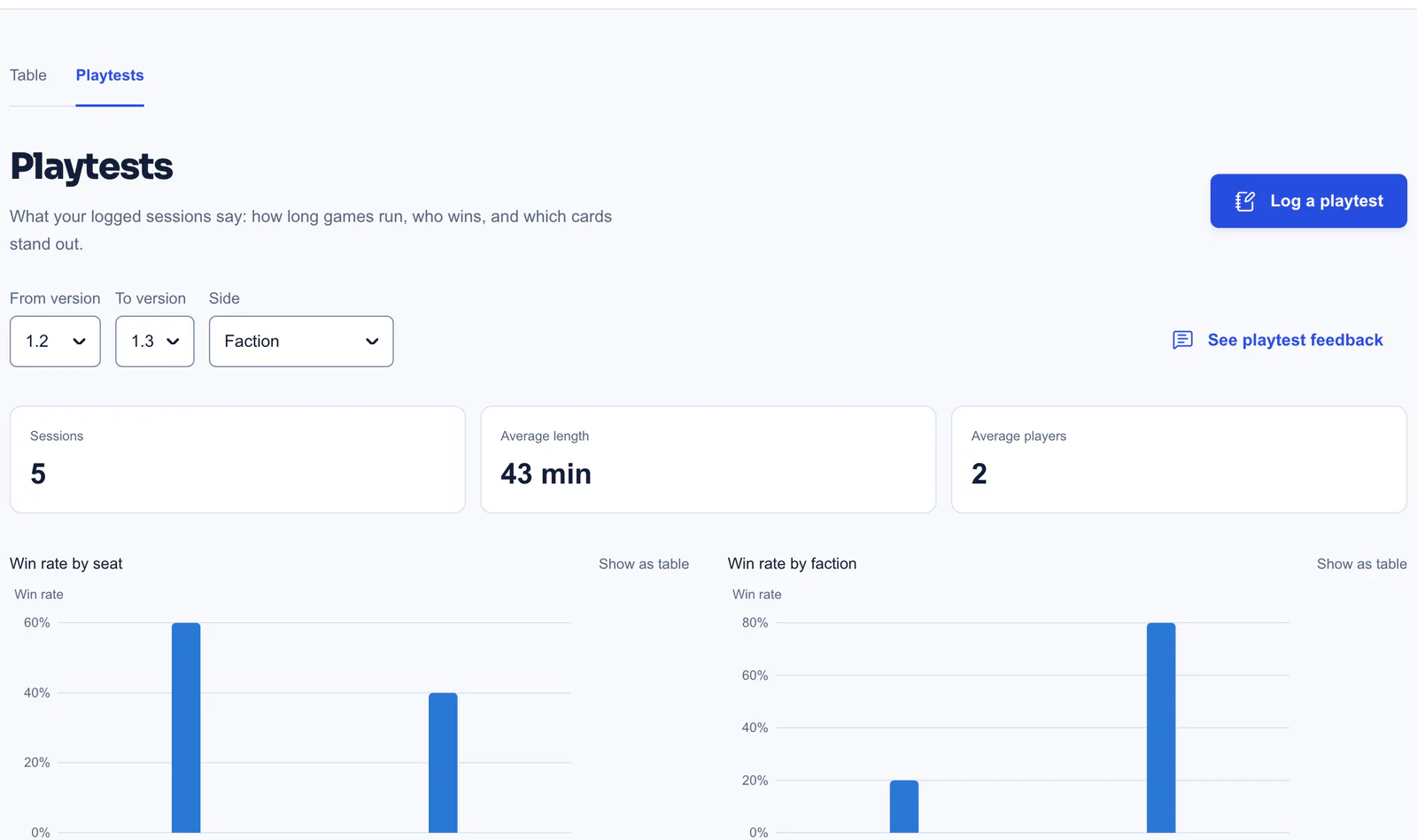
- Playtest log. Record a session by hand or from the solo table. Playtests sums them up.
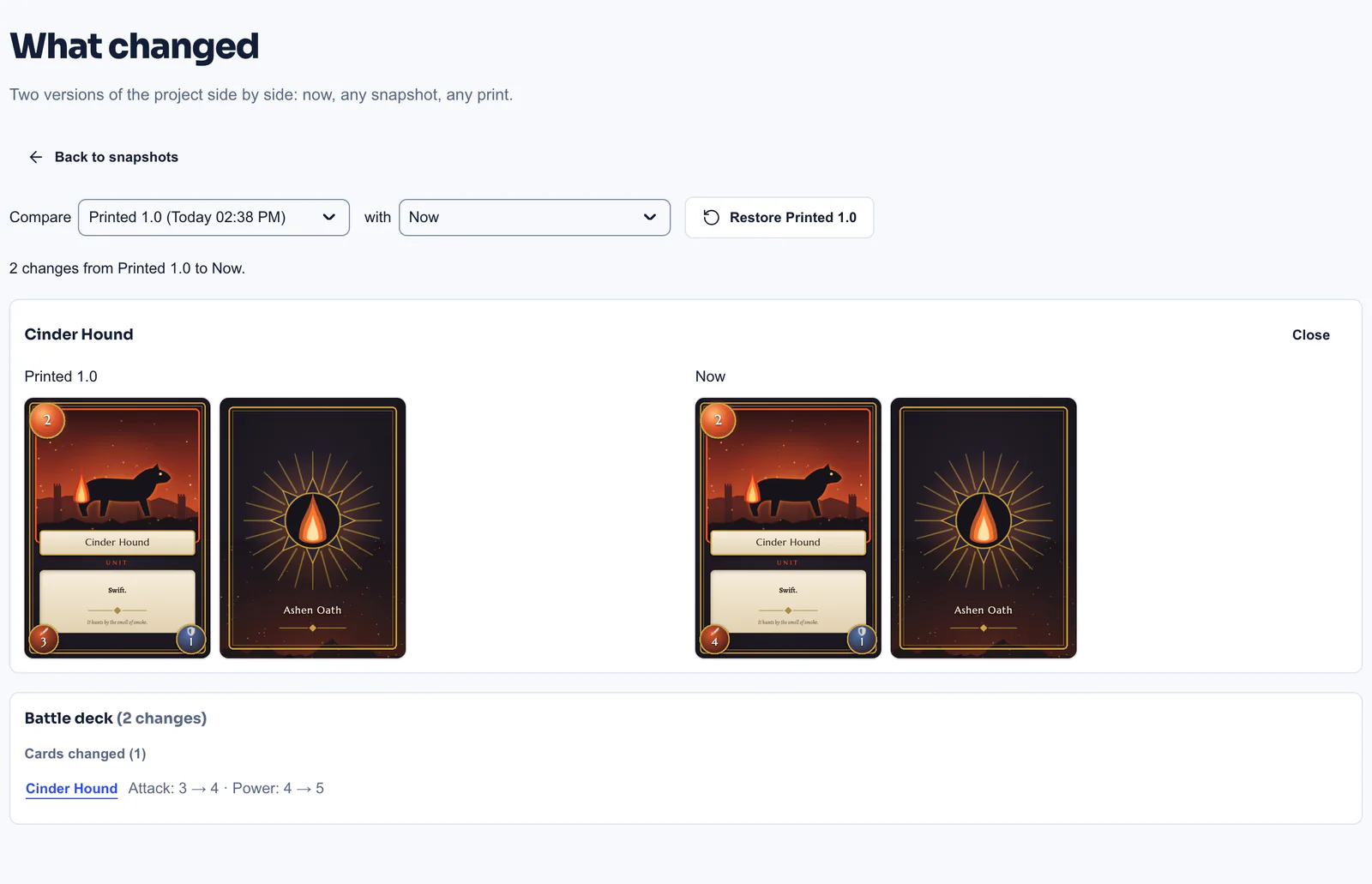
- Cloud history. Cloud projects get a snapshot every day, listed in Snapshots.
- New free tool: printable playtest feedback and log sheets.
Plans
Free: 1 playtest link and 7 days of cloud history. Pro: unlimited links, a year of history, a custom survey and feedback as CSV.
Improved
- What’s new (right here) keeps you up to date in the app.
- A project’s pages open faster.
Read more in New in Decklab AI: Playtest Links, Feedback, a Playtest Log and Cloud History.