
How to Run a Blind Playtest Online
A blind playtest finds what your rules actually say. How to run one online: rules first, feedback against each paragraph, and testers who don't know the game.
· 3 min read
In this post
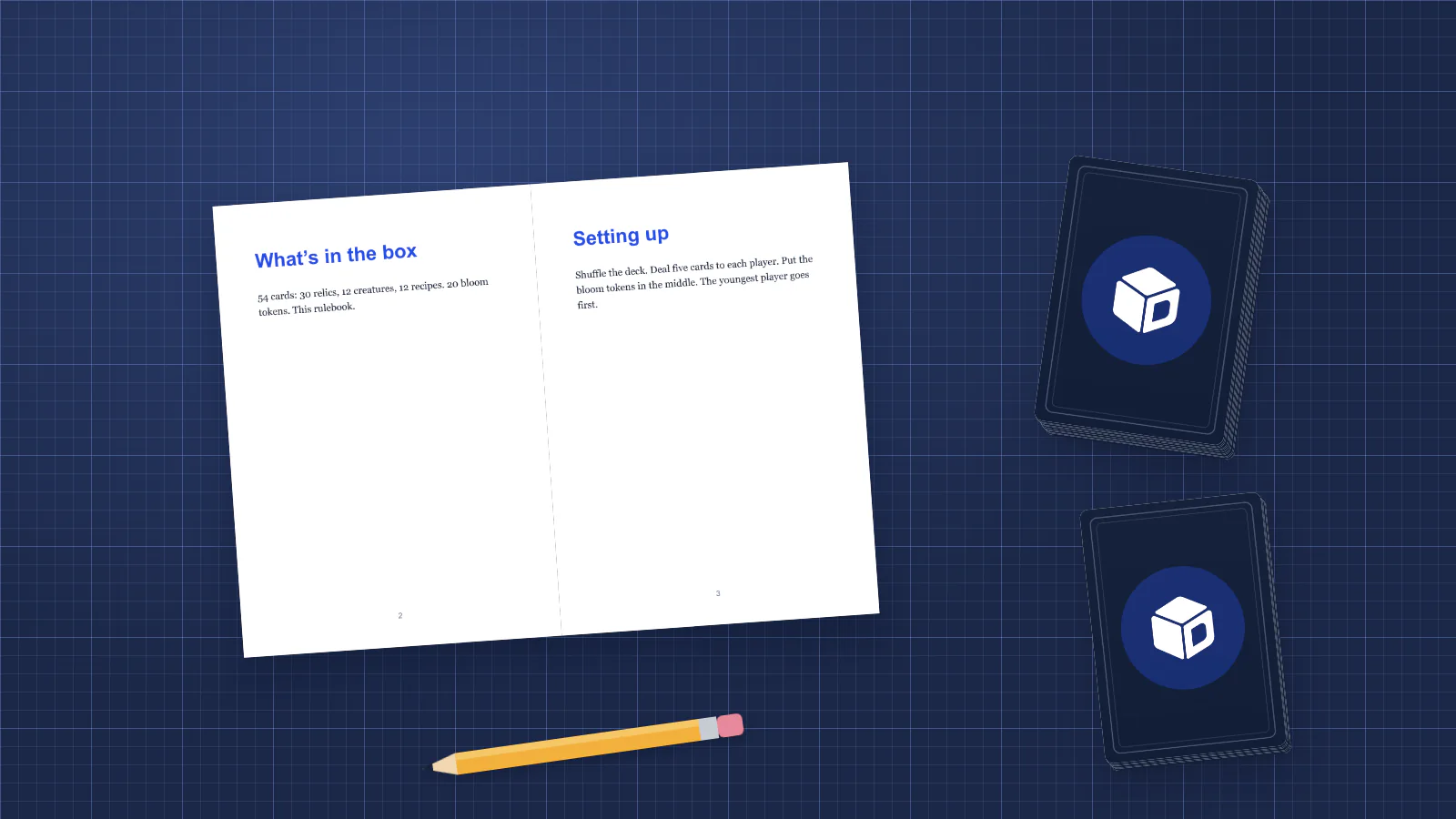
In a blind playtest, the designer isn't there to explain. Players get the rulebook and the components, and you find out what your rules actually say rather than what you meant them to say. It's the test that turns up the missing sentences, and it used to need a box in the post and a lot of patience. Online, it takes a link.
Why play without you
Every time you teach your game, you fill gaps without noticing. You answer "can I do this on my turn?" before it's asked, you demonstrate the first round, and your enthusiasm smooths over the slow bits. None of that ships in the box.
A blind test takes you out. What's left is the game as a stranger meets it:
- Rules gaps: the questions players argue about, and the answers they guess.
- Setup trouble: the components nobody knew where to put.
- Pacing: how long the first game really takes when nobody's hurrying it along.
Run one once the game works at your own table, and before you spend money on art.
Choose what they see first
The classic blind test starts with the rulebook alone. Reading the rules before seeing the cards shows whether the rules stand up by themselves: whether a reader can picture a turn from the words.
With a playtest link, you choose the tabs. Turn off Cards and Try it under What playtesters see, and testers get the Game overview and the Rules, nothing else. When you're ready for the second round, change the link's settings and turn the cards back on: the link stays the same.
Give them a way to say where they got lost
"It was a bit confusing" doesn't tell you which paragraph to rewrite. Ask for feedback against the exact place:
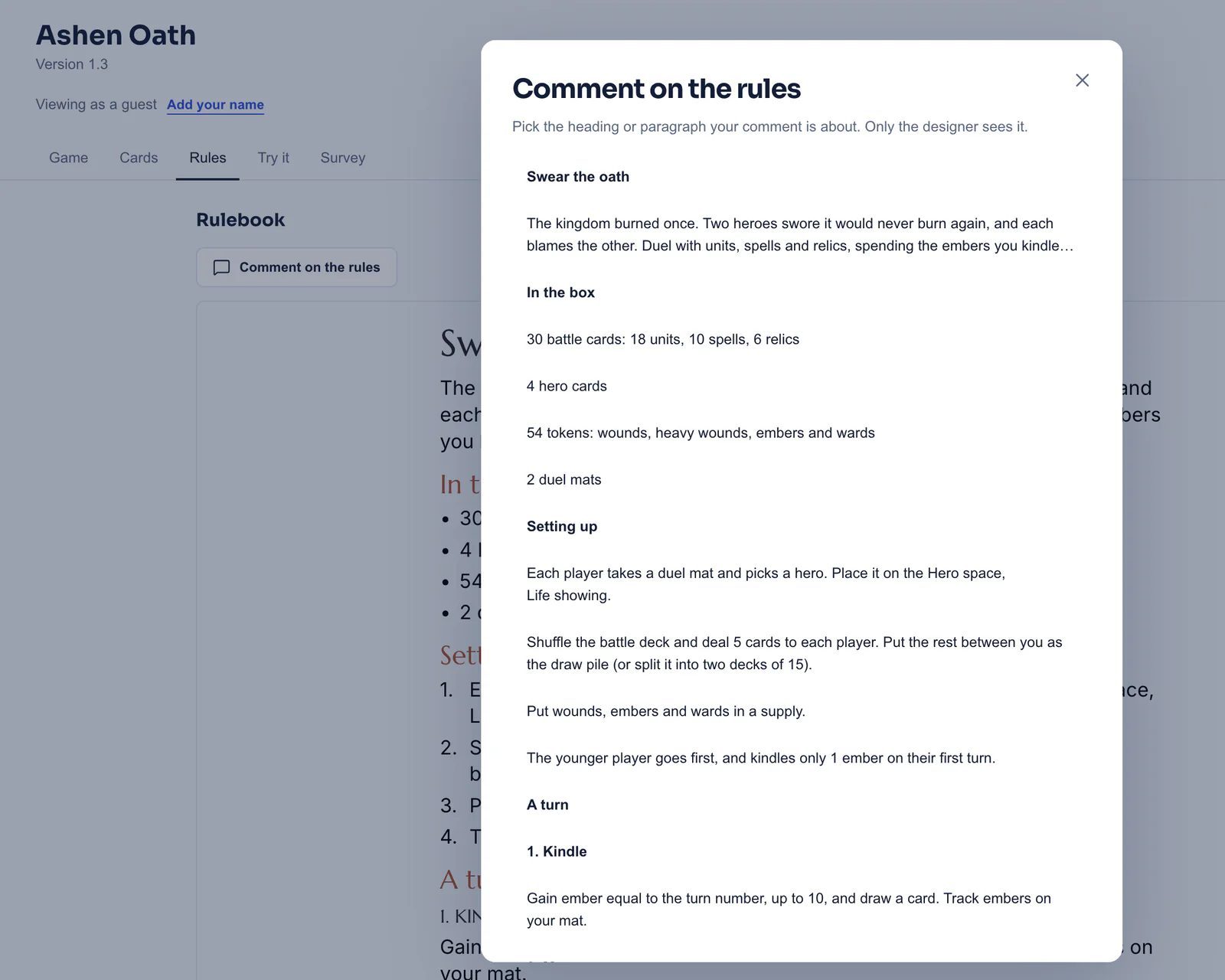
- On a playtest link, Comment on the rules lets a tester pick the heading or paragraph they're talking about. You read every comment beside the words it's about.
- For confusion about a particular card, they can react with Confusing and say why.
- The survey's "What was confusing?" catches the rest.
Ask before the group discusses it: one confident opinion quickly becomes everyone's.
Recruit testers who don't know the game
Friends who've watched you design it aren't blind. Look further:
- Design communities' playtest channels, on Discord and forums.
- Other designers, in a playtest swap: you test theirs, they test yours.
- Friends of friends, who've never heard you describe it.
Five strangers who read the rules cold teach you more than twenty games with your regular group.
Read it like an editor
When the feedback comes in, sort it by paragraph, not by person. On your Feedback page, rule comments are already grouped under the part of the rulebook they're about. A paragraph three testers commented on is your next rewrite.
Then fix the words, update the link, and send it to a new group. Testers who've read version 1 aren't blind to version 2.
Keep a record
Note what each round found and which version it was on. A playtest log keeps the sessions and their versions together, so you can see whether the rewrite helped.