
How to Make Custom Dice for Your Board Game Prototype
Symbols instead of numbers, a d8 with your faction icons, a d20 for a one-shot: here's how to make custom dice for a prototype, as paper dice you fold or as stickers on blank dice.
In this post
Custom dice are one of the first places a prototype starts to feel like a real game. A die with a sword, a shield and a skull says more than a d6 and a lookup table ever will.
You don't need a manufacturer to try them. There are two quick ways to make custom dice at home, and one free tool that does both.
Printable dice maker
Design your own dice: put a number, pips, an icon or your art on each face, then print a net to cut, fold and glue, or a sheet of stickers for blank dice. Free, in your browser, with no sign-up.
Paper dice or stickers?
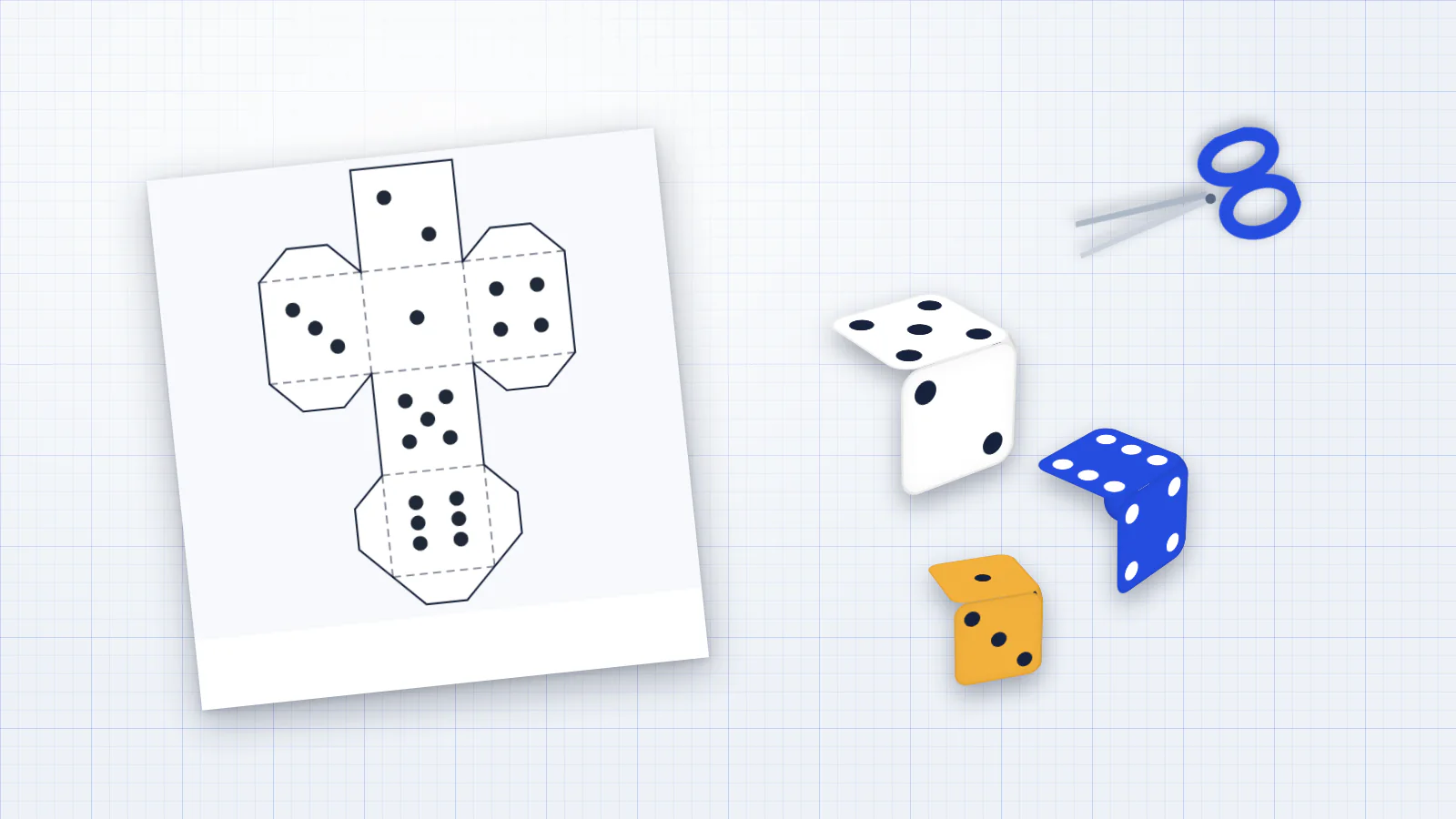
Folded card dice are printed as a flat net, cut out, folded and glued. They take a few minutes each, cost a sheet of card, and come in every shape: d4, d6, d8, d12 and d20. They're light and roll less fairly than a real die, so they're best for an early prototype.
Stickers on blank dice are the upgrade. Buy blank wooden or plastic dice, print the faces on sticker paper, and stick them on. They roll properly and survive many playtests. A 13 mm sticker fits a 16 mm die.
A good rule: fold dice while the faces are still changing, and switch to stickers once the faces settle.
Step 1: Pick the die and its size
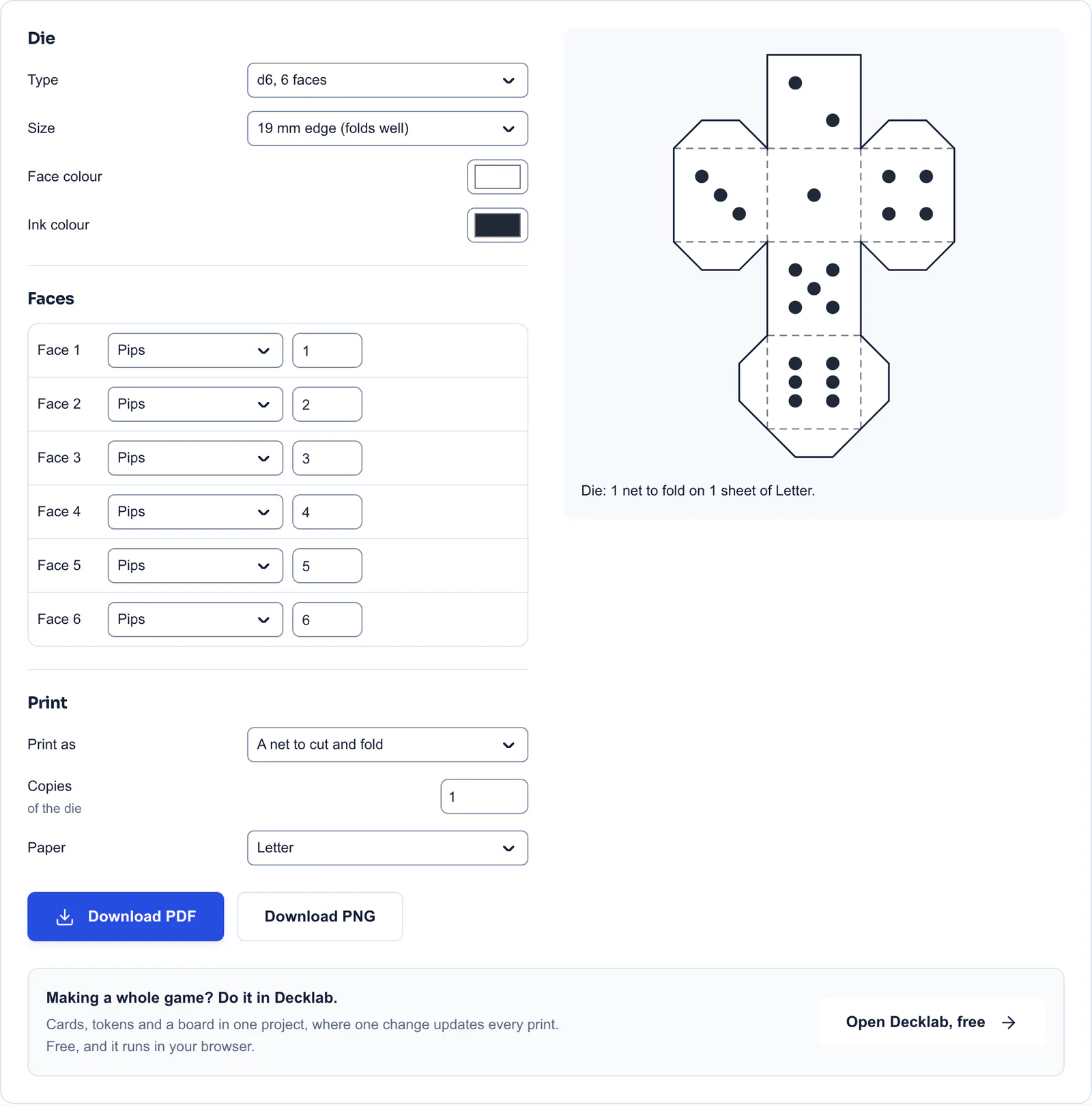
Choose d4, d6, d8, d12 or d20, then the edge size: 16, 19 or 25 mm, or your own. A 19 mm d6 folds cleanly in 300 gsm card, and six of them fit on one sheet of Letter. Smaller is fiddly to glue.
Step 2: Design each face
Each face can be:
- A value: a number, a letter, a short word.
- Pips: the standard layouts for 1 to 6.
- An icon: search the game icon library from the face itself.
- Your own image.
Set the face and ink colours for the die. On a d6, faces are placed as on a standard die, with 1 opposite 6, 2 opposite 5 and 3 opposite 4, so whatever you put on face 1 ends up opposite face 6. Plan your symbols with that in mind: a die with two skulls shouldn't have them side by side if you want them to feel different.
Each icon's credit, which its license asks for, is printed on the PDF's last page. More on that in Free Game Icons for Your Cards.
Step 3: Print
Pick Net to fold, or Sticker sheet for blank dice, and how many copies of each die. Download the PDF and print it at 100% ("Actual size"). If your dice come out small, check your printer with the printer calibration page.
Step 4: Fold
- Use 200–300 gsm card.
- Cut along the solid lines.
- Score every dashed line with a ruler and a blunt point, such as an empty pen. This is what makes the folds crisp.
- Fold every line the same way.
- Glue the tabs one seam at a time, and close the last face like a lid.
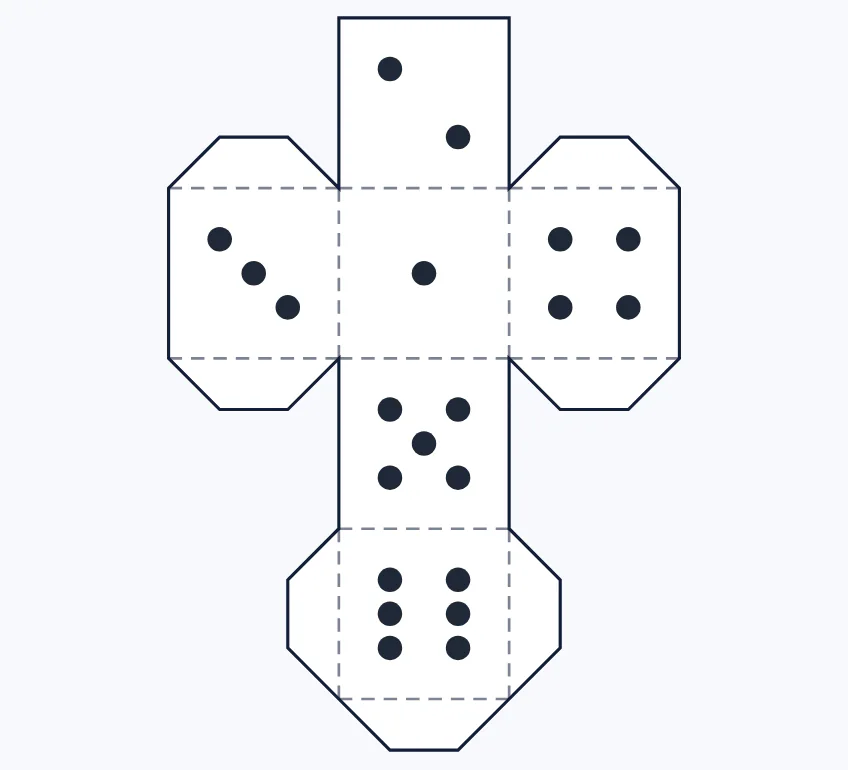
The bigger dice take longer: a d20 has a lot of seams. Glue a few, let them set, and carry on.
Check the odds before you print
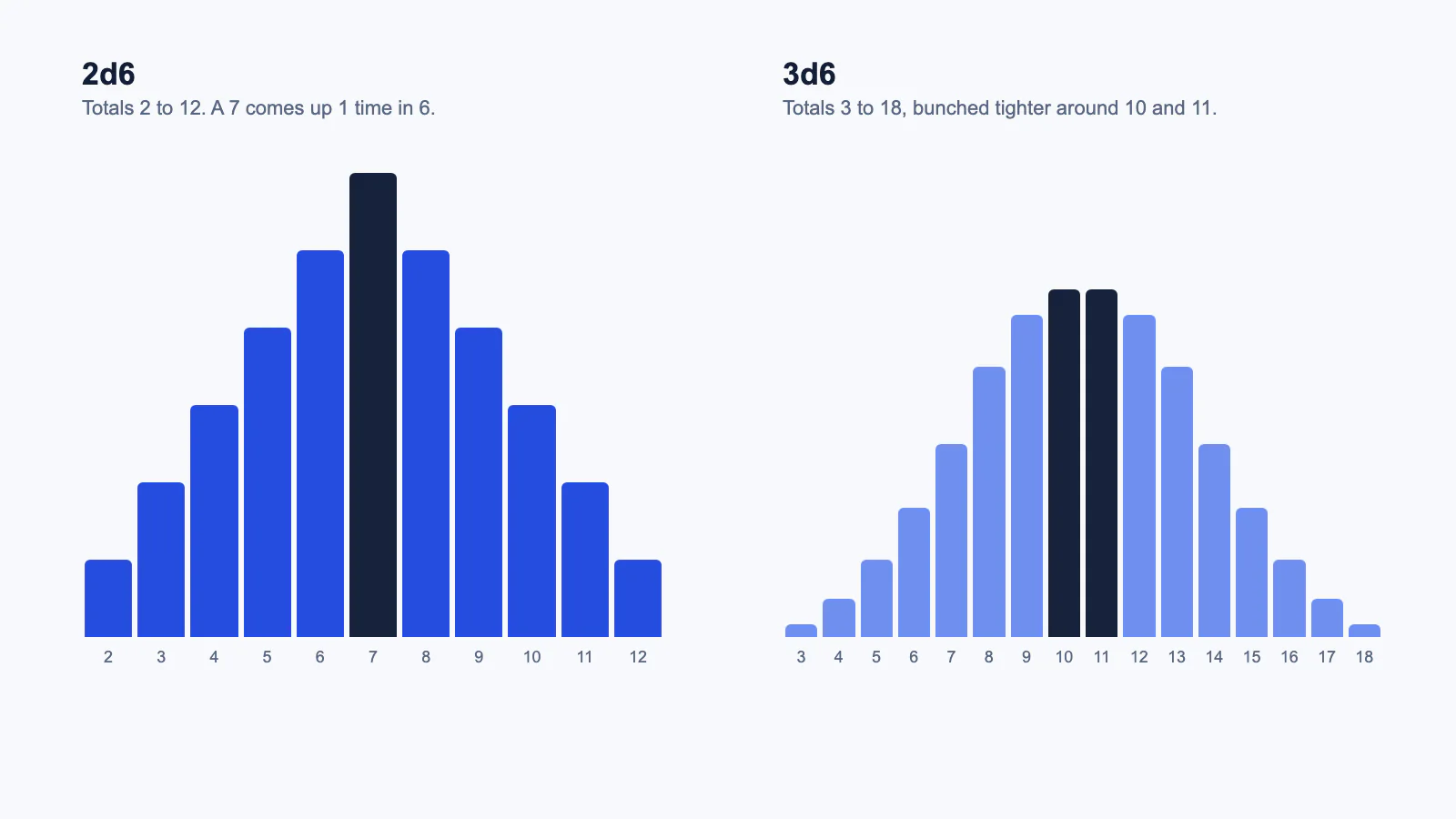
Custom faces change the maths. A d6 with three hits, two misses and a critical isn't 50/50 any more once you roll several. Before you fix the faces, check the chances with the dice and card odds calculator, or read Dice and Card Odds for Game Designers.
Dice in your Decklab AI project
In the app, a die is a component like a card: each face is a row of data, so a face's symbol can come from a column of your spreadsheet. Change a cell and the die's net updates, then export the net or the sticker sheet with the rest of your game.