
Design your card game. Print it tonight.
Lay out cards, tokens and boards in your browser, fill them from a spreadsheet, and export a sheet that’s ready to cut.
Free forever. No card needed.
One project, from first idea to first game night
1. Design
Lay out one card with text, images, icons and shapes.
2. Fill
Add rows, or import a spreadsheet. Each row becomes a card.
3. Test
See the whole deck, catch problems and deal a hand.
4. Print
Export a PDF with cut marks, or send it to Tabletop Simulator.
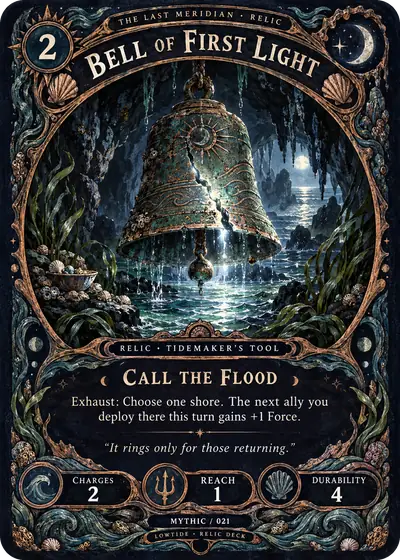
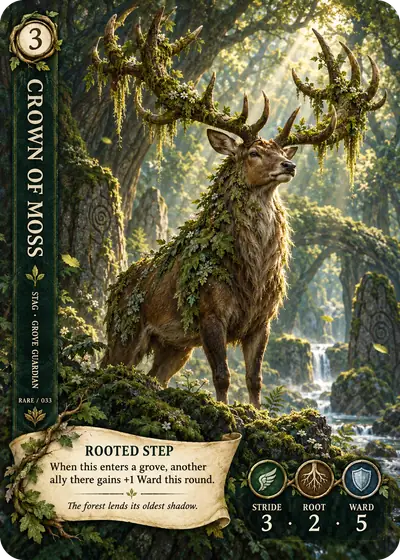
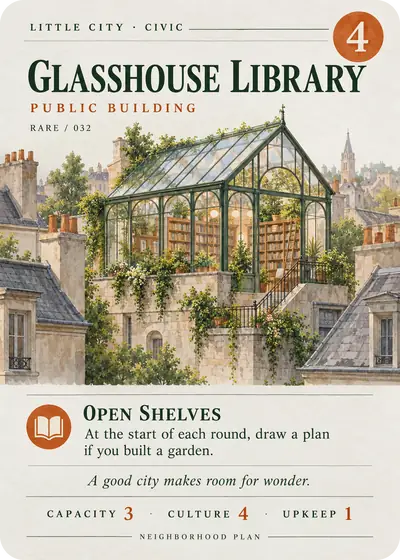
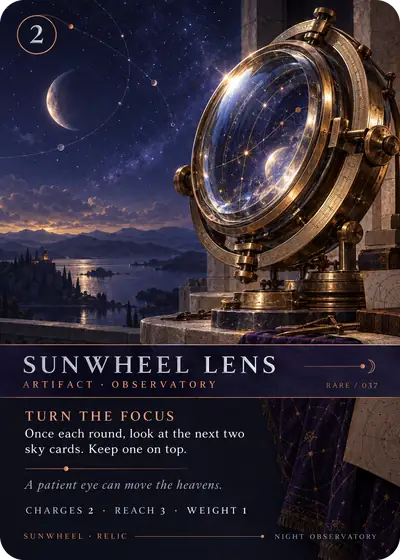

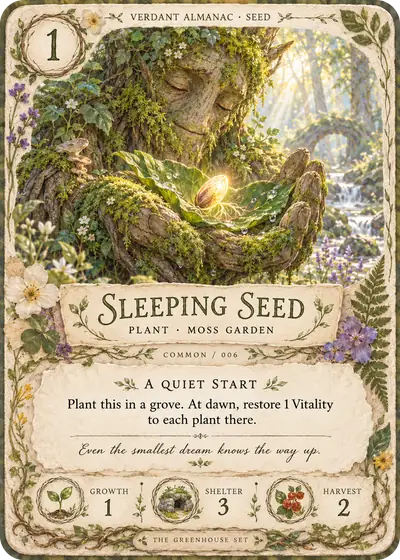
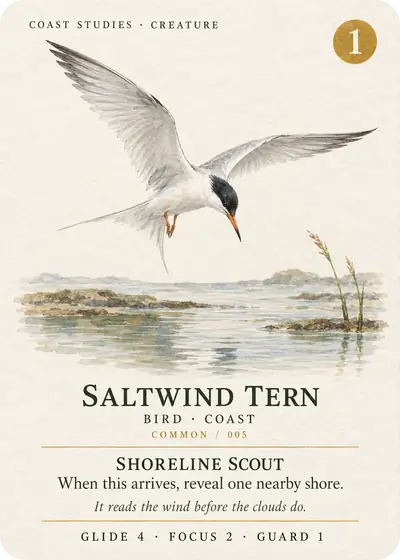
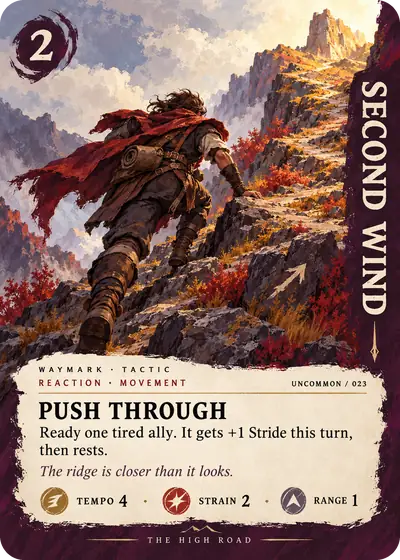
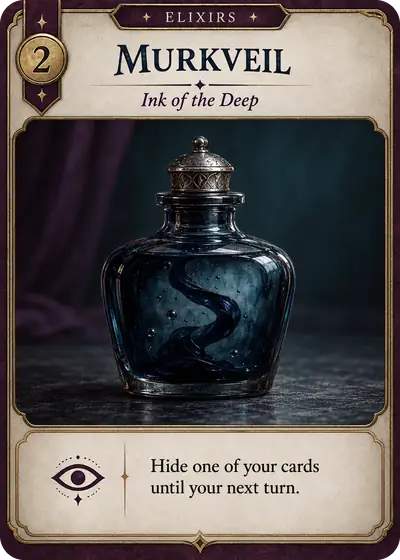
Change a row, and the card follows
Your game’s numbers live in one table. Rebalance a cost or reword a keyword once, and every card that uses it updates. Paste from a spreadsheet, or import CSV and Excel files.
See how Data mode works| Name | Type | Cost |
|---|---|---|
| Bell of First Light | Relic | 2 |
| Crown of Moss | Creature | 3 |
| Glasshouse Library | Building | 4 |
Every export is free, and it stays that way
Exports run in your browser and cost us nothing, so none of them will ever sit behind a paywall. Pro only pays for what costs money to run.
- Print-and-play PDF
- Letter, A4 or A3, with cut marks, bleed, double-sided or fold-and-glue backs.
- PNG images
- A file per card at up to 600 DPI, named from your data, with sprite sheets if you need them.
- Tabletop Simulator
- Deck sheets and a saved object, with notes on how to import them.
- Backup files
- Your whole project as a single file you keep, restore or share.
Proposal for 3 cards
- Crown of MossCost 3 becomes 2
- Sunwheel LensRules text shortened to fit
- Black Pear BrothNew keyword: Renown
AI that asks first
Start from an idea if you want a head start. Each step runs when you click it, shows you a proposal, and goes back with one undo. You can skip any of it, and nothing in the product needs it.
See what AI can doFree tools, with no account
Single jobs, done in your browser. Your files never leave your computer.
Print-and-play PDF maker
Turn your card images into a print-and-play PDF: pick the card size and paper, add cut marks and backs for double-sided or fold-and-glue printing, and set how many of each card. Free, in your browser, with no sign-up.
Quick card maker
Make a deck of printable cards from a spreadsheet: pick a starter template, paste or import a CSV, tweak the design, and download a print-and-play PDF or a PNG of each card. Free, in your browser, with no sign-up.
Tuck box generator
Make a printable tuck box for your card deck: pick the card size, how many cards and sleeves, add art for each side, and download a PDF with cut and fold lines or a PNG. Free, in your browser, with no sign-up.
Tabletop Simulator deck sheet maker
Turn your card images into Tabletop Simulator deck sheets: up to 69 cards a sheet with the hidden-card slot left free, a back, PNG or JPEG, and a saved object that loads the whole deck in one click. Free, in your browser, with no sign-up.
Hex and square grid generator
Make a printable hex or square grid for a game board, map or play mat: pick the board or paper size, the cell size, orientation, offset, labels and colours, and download a PDF (split over pages for big boards) or a PNG. Free, in your browser, with no sign-up.
Card size guide and blank templates
Poker, bridge, tarot, mini, square and more card sizes, with tokens, hex tiles and game boards: trim, bleed and safe zone in mm, inches and pixels at 300 DPI, and a free blank template for each, as a PNG with guides or a printable PDF sheet.
What will you make next?
Your first deck is about an evening away.
Free forever. No card needed.